OpenAI Agent Builder: Shutdown Date and What to Use Instead
OpenAI Agent Builder shuts down November 30, 2026. Here is what it was, what the export really gives you, and what a small business should run instead.
The tool that made a working OpenAI agent look easy now has a shutdown date, and the notice carrying it is short enough to skim past.
Every page ranking for this term quotes that notice. Almost none of them tells the owner what to do the day after it takes effect.
I run a lead system on agents I built and keep, one that takes about 200 form submissions a day. A vendor has retired a piece of a stack I depended on before. That is why this deadline gets my attention.
OpenAI Agent Builder is a visual canvas for building multi-step AI agent workflows. OpenAI deprecated it on June 3, 2026 and scheduled the shutdown for November 30, 2026. ChatKit stays. Existing workflows export to Agents SDK code, and Workspace Agents need a ChatGPT Business, Enterprise or Edu workspace.
TL;DR
- Agent Builder is OpenAI’s no-code canvas for multi-step agents. It shuts down on November 30, 2026.
- The export gives you Agents SDK code. It does not carry the workflow graph across intact.
- No price for the canvas was ever published. The model calls behind it are billed separately by the token.
- The switch is mostly an access problem, and it decides who owns the workflow after November.
What is the OpenAI Agent Builder, and what did it actually do?
Agent Builder was OpenAI’s drag-and-drop canvas for agents. You picked a template, dropped in nodes and connected them with typed edges. A preview ran on live data, and publishing created a version your app could call.
The guide still opens by calling it a visual canvas for multi-step agent workflows. Each connection between nodes became a typed edge, so the workflow knew what data passed from one step to the next.
A publish produced a workflow object with an ID and versioning. You could call a specific version from your own app, and that object is the thing that has to move now.
There were 2 ways off the canvas. Embed the workflow with ChatKit, or download the Agents SDK code and run it yourself. Trace graders sat inside the builder for scoring a run before you shipped it.
Agent Builder arrived with AgentKit, the agent stack OpenAI announced in October 2025. The launch walkthrough is still the fastest tour of what the canvas did.
The build mechanics live elsewhere on this site, so this page stays on the status question. How to build an AI agent in four steps covers the build, and the OpenAI Agents SDK covers the code route.
The canvas was the shop window. The workflow it produced was a versioned object with an ID, and that object is what has to move.
Is the OpenAI Agent Builder free, and what does running it cost?
No price was published for Agent Builder itself, and a product on a shutdown path will not get one. The bill that matters is the model usage underneath the workflow, billed at public token rates.
Start with what the documentation does not say. The Agent Builder guide carries no price, no plan tier and no seat count. That absence answers the free question for a product with a shutdown date.
What you do pay for is the model behind the nodes. OpenAI’s published token rates set the floor, and 4 lines of them cover most workflows:
gpt-6-solcosts $2.00 per 1M input tokens and $10.00 per 1M output tokens.gpt-6-lunacosts $0.10 in and $0.50 out on the same 1M.- Cached input on
gpt-6-soldrops to $0.20 per 1M when the same context repeats. - Batch pricing halves it again, to $1.00 in and $5.00 out on
gpt-6-sol.
Put one workflow against those rates. Say it runs 500 times a month, at 50,000 input tokens and 5,000 output tokens a run. That is $75 a month on gpt-6-sol and $3.75 on gpt-6-luna. Same workflow, 20 times the bill.
Then judge the meter against the hours it returns. A workflow that saves one person 3 hours a week carries a $75 month without argument. One that saves 20 minutes a month does not.
The Workspace Agent route moves the cost question to your ChatGPT workspace tier. The migration guide names what that needs: a Business, Enterprise or Edu workspace with permission to create agents.
The meter that matters runs on the model calls behind the workflow, and those rates are public.
Is the Agent Builder really shutting down, and what happens on November 30, 2026?
Yes. OpenAI’s notice says the product is deprecated. Existing users can keep working through the transition window, and it shuts down on November 30, 2026. ChatKit is the one piece that stays.
The dates are not second-hand. OpenAI’s own deprecation notice carries both dates in a 2-row table. June 3, 2026 is the announcement, and November 30, 2026 is the shutdown.
A date shared by three products reads as a deliberate cleanup. Reusable prompts, the Evals platform and Agent Builder were all deprecated on the same day.
Read the words in the notice carefully. Deprecated means notice given. Shutdown means the platform stops answering. The gap between them is the transition window, and it is the only time you get.
The demand curve tells the same story. Our own pull of US search volume for this phrase shows 9,900 searches in October 2025 and 1,600 today. Interest fell with the product.
November 30, 2026 is the date on the notice. Treat the transition window as the time you actually have.
How do you move an existing Agent Builder workflow off it without rebuilding from scratch?
Open the workflow, select Code in the top navigation and copy the Agents SDK export in TypeScript or Python. Then run that code yourself or recreate the workflow as a ChatGPT Workspace Agent.
That export is the whole migration, and it arrives with a warning. In OpenAI’s own wording, the export does not convert the workflow graph or guarantee that every behavior transfers unchanged.
Your nodes and edges arrive as code rather than as a graph. So behavior is the part you prove again in testing.
The workspace agent route also carries a gate. Recreating the workflow as a workspace agent needs a ChatGPT Business, Enterprise or Edu workspace with permission to create agents.
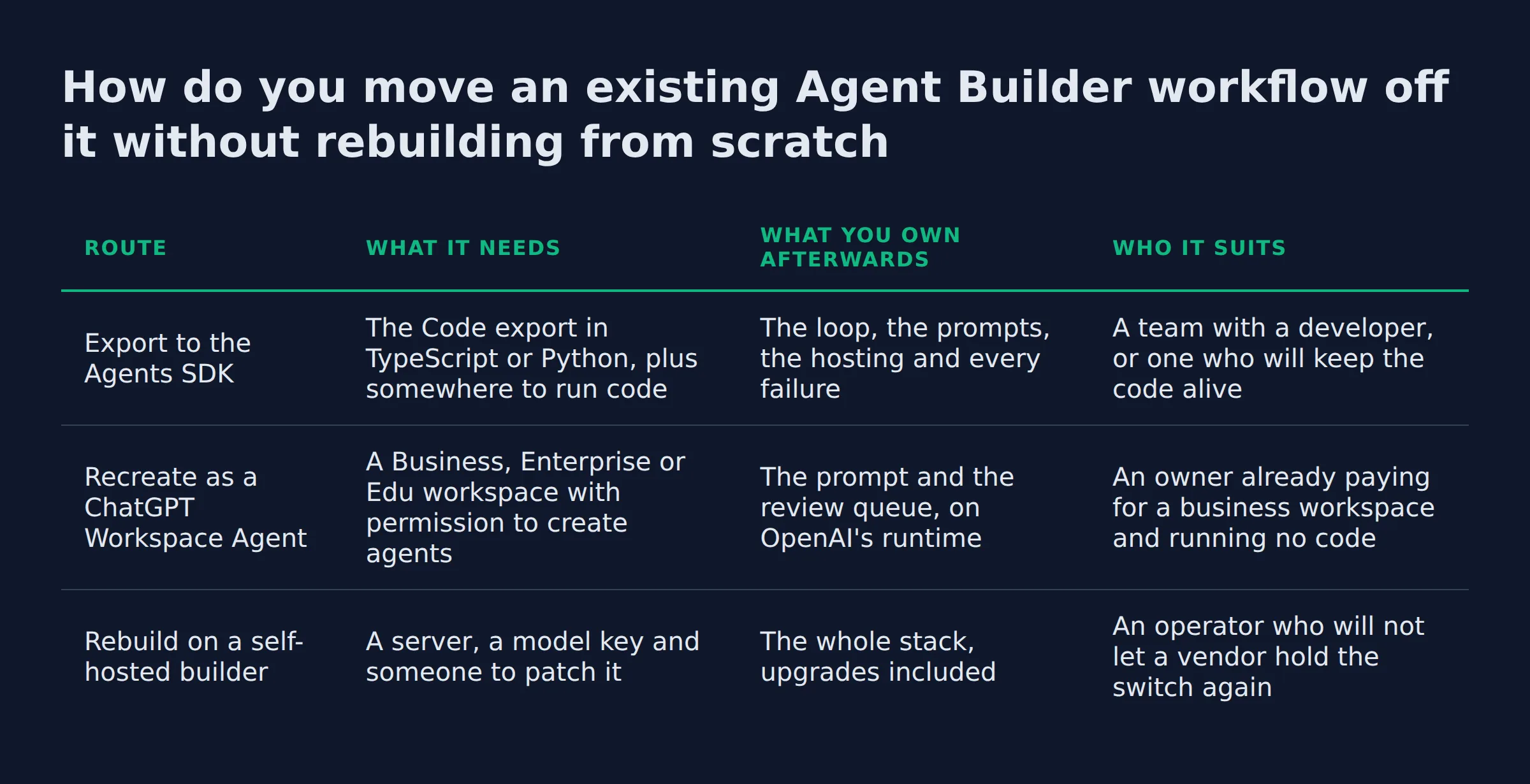
| Route | What it needs | What you own afterwards | Who it suits |
|---|---|---|---|
Export to the Agents SDK |
The Code export in TypeScript or Python, plus somewhere to run code |
The loop, the prompts, the hosting and every failure | A team with a developer, or one who will keep the code alive |
| Recreate as a ChatGPT Workspace Agent | A Business, Enterprise or Edu workspace with permission to create agents | The prompt and the review queue, on OpenAI’s runtime | An owner already paying for a business workspace and running no code |
| Rebuild on a self-hosted builder | A server, a model key and someone to patch it | The whole stack, upgrades included | An operator who will not let a vendor hold the switch again |
The export has never been the hard part in my own moves. The code lands and it runs. Then the week goes into the 2 steps nobody wrote down. For me that was a lookup against a spreadsheet and the rule for when it came back empty.
The export moves code. Behavior is yours to prove, one branch at a time.
Who owns the export when nobody on staff writes code
Put a name on the export before you take it, because the work it creates outlives the deadline by years.
An export is a file. A file needs somewhere to live, a key to run under and a person who reads the error when it fails at 6am on a Saturday.
I treat permission review as the biggest owner-side cost in a move. Every connected app brings its own key, scope and failure mode. Each one needs a fresh look once the workflow moves somewhere new.
Two arrangements work. Either a developer takes the code and the runbook, or a vendor runs the agent and holds the pager. Both are honest, and both need a name attached.
The agent team that wrote this page runs in my own business, and the pager is mine. That is why I care more about the ownership line than the deadline. A missed deadline costs a weekend. An unowned workflow costs a year.
Whoever holds the keys after the move owns the workflow. Name that person in writing before you export.
The 5 checks I run before I call a migration done
A migration is done when the new version passes 5 checks. The code running is only the first one. These are the checks I run on my own builds.
- Run it twice on the same input and compare. A workflow that answers differently each time is loose.
- Watch every tool call authenticate. An expired key looks exactly like a broken agent.
- Re-read what the agent can reach. OpenAI’s own page on prompt injection lists private data leakage as a live risk once an agent can touch real records.
- Confirm the version your app calls is the version you tested. A stale workflow ID is a silent failure.
- Name the reviewer. Somebody checks the first 20 runs by hand, and that human in the loop is the cheapest control you will add.
If I had that export in hand and no engineer, my first move would be finding the person who will own it. Buying a host comes second.
Checks 3 and 5 catch the real trouble. Access and review beat syntax every time.
Is there an open source AI agent builder that will not get retired?
A self-hosted builder cannot be retired out from under you, and that is the whole argument for it. Read the licence before you commit, because the label covers several different sets of terms.
GitHub is the honest scoreboard, so start there. These counts were read today:
| Builder | What it is | Stars | Licence reality |
|---|---|---|---|
| n8n | Workflow automation with agent steps, self-hosted | 205,969 | Sustainable Use License, with enterprise files on a commercial one |
| Dify | A visual builder for agents and LLM apps | 157,213 | Apache 2.0 with added commercial conditions |
| Flowise | A drag-and-drop builder for LLM flows | 55,484 | Enterprise directories under a commercial licence |
| OpenAI Agents SDK for Python | The code route, with no canvas at all | 29,702 | MIT |
Read that last column before you plan around it. n8n’s licence file puts the source under a Sustainable Use License. It carves .ee files out for a commercial licence. Dify’s licence calls itself open source, then adds conditions that include a commercial licence for multi-tenant service.
One more name holds the exact phrase on the web. open-agent-builder.com is an MIT-licensed visual builder for scraping workflows. It runs on LangGraph, and its node types include a user approval step. It claims 140+ stars and labels itself “OpenAI Inspired”.
The rest of the market splits by who hosts the loop:
- A managed canvas with hosting included: Zapier, Make, Lindy AI, Relevance AI, Gumloop, Microsoft Copilot Studio and Google Vertex AI Agent Builder.
- A self-hosted canvas: n8n, Dify, Flowise and Activepieces.
- Code you own: the OpenAI Agents SDK.
For a workflow that touches a spreadsheet and an inbox, n8n is the one I would start with. It is the closest thing to the canvas you are leaving.
Self-hosting removes the shutdown risk and adds an upgrade job. That trade is the whole decision.
What should a small business run instead of the OpenAI Agent Builder?
Match the route to who maintains it. Keep the workflow as code when a developer owns it, and use a managed agent when nobody does.
The tool choice matters less than the ownership model. Sort what you have into 3 piles:
- Keep it. A workflow that saves hours every week, like quote follow-up, inbox triage or a missed-call text back.
- Rebuild it. A canvas demo that never earned a slot on anybody’s desk.
- Drop it. A build nobody has opened in 2 months.
For the first pile, a managed agent with a named owner is the safer move, and the AI services page shows how that runs.
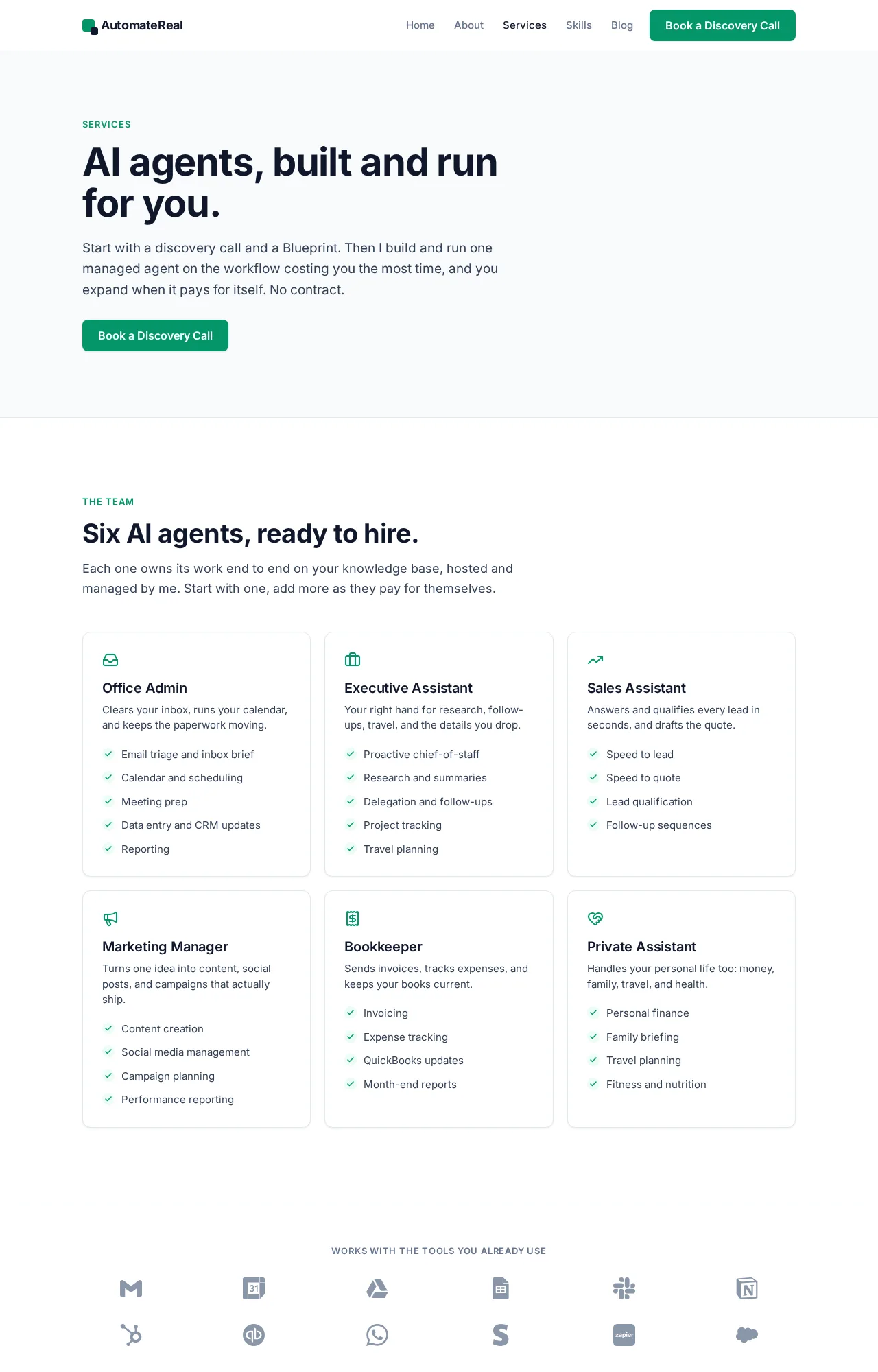 AutomateReal services
If you would rather keep the pieces in-house, the skills bundle I sell is $99 for all of them. It is the same set I use on my own systems.
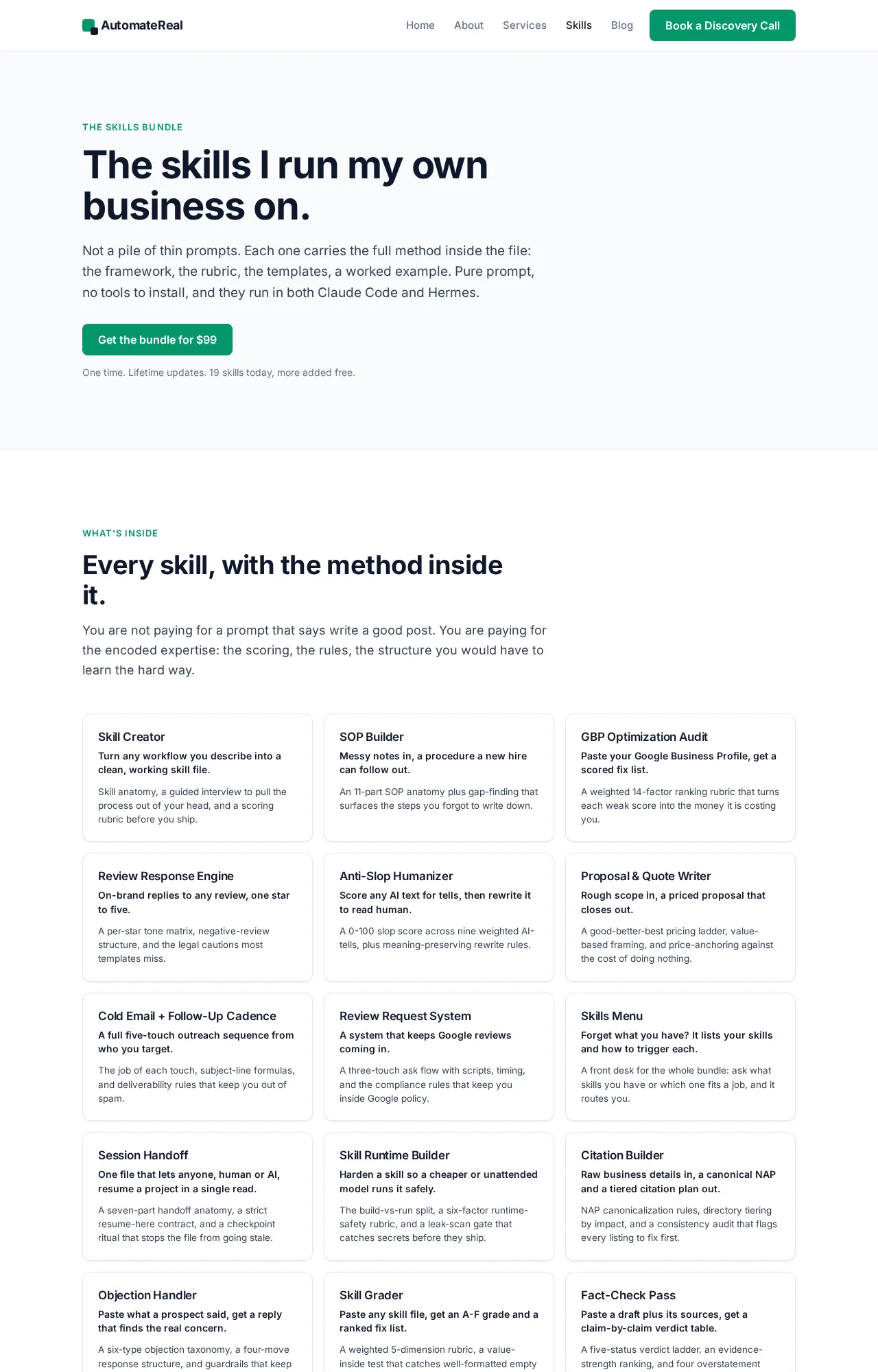 AutomateReal skills
Picking which workflow to migrate first is its own decision, and which AI agent to build first walks through it.
Weigh the hours the workflow returns each week. That number decides the route.
How long does the switch take, and will it work with the tools I already use?
In my own builds the code export takes an afternoon. The access work takes 2 to 4 weeks, and each tool sets its own pace.
Access is the clock. Every app the agent touches needs a key, a scope and a test run. Some of those keys sit with an accountant or a supplier rather than the owner.
Most small business stacks come down to a short list:
- Inbox and calendar: Gmail, Outlook and Google Calendar.
- Job and field records: Jobber, ServiceTitan and Housecall Pro.
- Money and customer records: QuickBooks, HubSpot and GoHighLevel.
- Chat and messaging: Slack and Twilio.
- Storefront: Shopify.
Anything on that list with an API connects. So does anything with an MCP server, and the standard is published openly by the Model Context Protocol project. A tool with neither stays a manual step until somebody writes the connector.
My own stack is smaller than that list. It touches a calendar, an inbox and a form endpoint. The keys took longer than the agent did.
Count the access requests. That number is the timeline.
Related: Agentic AI Explained for Small Business Owners
Related: What Is AI Automation? A Small Business Guide
Related: Top AI Agents in 2026: What They Do and What They Cost
FAQ
Can you build an AI agent on OpenAI without the Agent Builder?
Yes. The Agents SDK runs without the canvas, ChatGPT workspace agents work from inside a workspace, and the API takes direct calls. Agent Builder was a visual route to work the code route also does.
What happens to a workflow that is already published when the Agent Builder shuts down?
It keeps running until the shutdown date. The published version sits on OpenAI’s side, so the export you take before November 30, 2026 is the copy you keep. Take it early.
OpenAI Agent Builder versus n8n: which one should a small business use?
n8n answers to a licence and a server you control. Agent Builder answered to a shutdown date. Pick n8n when the workflow has to stay put, and pick a managed agent when you would rather not run a server.
Where do I log in to the OpenAI Agent Builder?
It lived in the OpenAI platform playground at platform.openai.com, behind a platform account rather than a personal ChatGPT login. It is still reachable while the product is alive.
Does the switch work with the tools I already use?
Yes, when those tools have an API or an MCP server, which covers most inboxes, calendars and job records. A tool with no connection stays manual until somebody writes the connector.
If you have a workflow sitting on a canvas and no clear owner for the export, a discovery call maps the move in about thirty minutes.