AI for Home Services: What It Does & What It Costs
AI for home services answers your calls, books jobs, and chases reviews while you work. What it does for each trade, what it costs, and how to start.
It is 7pm on a Tuesday. A homeowner wants a quote for a water heater before bed, and your phone rings out. Over 55% of customers expect a reply within the hour. Only 20% of service pros manage it, according to Jobber’s 2026 Home Service Trends Report.
AI for home services means software that answers your calls, books jobs, sends follow-ups, and chases reviews while you work. It covers five jobs: scheduling and dispatch, phone answering, customer follow-ups, invoicing, and review requests. Most shops start with one job, not a platform, and most tools go live in days with no technical team.
Most pages on this topic rank tools. This one comes from the agents I run inside my own business, and every number below traces to a source you can open.
TL;DR
- AI for home services does five jobs: scheduling and dispatch, phone answering, follow-ups, invoicing, and reviews.
- The first job to hand over is lead response, because slow replies are measurable and fixable.
- Entry subscriptions run about $20 to $30 a month. Voice agents bill by the minute, and managed answering bills a flat rate per call bundle.
- An AI voice that sounds human needs prior express consent under the FCC’s 2024 ruling.
What can AI do for a home service business?
AI agents for home services handle the work between a lead calling and the job getting done. They answer voice and chat, manage routes and schedules, send follow-ups, and ask for the review. The AI arrives in three shapes: an AI receptionist that answers calls, an add-on inside the field service software you already run, or a standalone tool wired into your CRM.
The tools behind those jobs are already standard in the trades. Home service software like Jobber lists scheduling, quoting, online bookings, and payments as core features, and Housecall Pro lists call answering, online booking, and dispatch the same way. The new part is the AI layer that runs them without a person at the desk, the same pattern as AI agents for small business.
For one trade in detail, see AI agents for HVAC companies.
Here is the daily work an agent absorbs:
- Answer the first call or form submission, day or night.
- Book the job into the right slot on the calendar.
- Send the confirmation and the reminder.
- Chase a quote the customer never answered.
- Ask for the review once the job is done.
- Flag a lead who went quiet three days ago.
Response speed is where the money leaks. Jobber’s 2026 report found 60% of service pros reply to leads the same day, and only 20% reply within the hour. Harvard Business Review documented the same slow response problem back in 2011.
AI for home services is a layer over the phone and the CRM you already own, and the fast first reply is the cheapest part to automate.
How does each trade use AI?
AI agents for home service business owners run the same five jobs in a trade-specific order. HVAC leans on after-hours emergency calls, plumbing on quote follow-up, pest control on recurring bookings, lawn care on seasonal reminders, and moving on phone quoting.
After-hours heavy trades lean hardest on phone answering. Recurring-visit trades lean on booking and follow-up. I run a small service business myself. Before I automated follow-up, a lead went quiet, I meant to chase it, and the day ate the intent. Follow-up automation changed my week, and it is the job every trade owner describes first.
Every trade runs the same five jobs. Only the order changes.
What does AI not handle yet?
Anything that needs eyes on the equipment stays with your crew. So does the pricing call on a job nobody has seen yet, and the callback from an unhappy customer.
ServiceTitan’s blog on AI for home service leads with diagnostics and predictive maintenance. Those features fit a multi-truck operation with a training budget. A one-truck shop gets little from them in month one.
What stays with your people:
- Diagnosis of equipment on site.
- Pricing judgment on unseen work.
- A customer who is angry about a callback.
- Anything that needs a license or a permit.
Your crew keeps the work that needs hands. The agent takes the part where a customer is sitting and waiting.
Which job should an AI agent take over first?
Start with lead response. It happens every week and it follows a pattern. Every unanswered lead also has a dollar value attached, so the fix proves itself fast.
Run a candidate job through three questions:
- Does it happen every week?
- Is there a written rule for how it gets handled?
- Can you measure the result in one number?
Two yes answers make it a solid first candidate. Three make it the obvious pick. One yes means you picked a job with no baseline, so the agent can never prove itself. The same picking logic sits in which AI agent to build first.
Peers are already moving. Jobber’s trend research found 52% of blue collar business owners use AI in daily operations, and 27% more will start within the year. AI use runs at 88% among the most confident businesses and 27% among the least.
Paid leads raise the stakes. A click from Google Local Services Ads that waits until tomorrow is money you already spent.
Pick the job with a written rule and a number attached, which is almost always the first reply to a lead.
The setup work that happens before an agent answers a live call
The setup work is unglamorous and it is most of the job. Hours and service area have to exist in writing before the agent can answer anything.
That is where most shops stop. Jobber’s survey of contractor websites found 74% have no FAQ section, 65% do not show business hours, and 43% do not list service areas.
Those gaps are the agent’s input. I build a working website for a prospect before anyone pays me, and that habit showed me the order of operations. The site has to answer the questions the agent will get on the phone.
The setup I finish before a live call gets answered:
- Hours and service area written down in one place.
- The FAQ page live, with the questions already sitting in your inbox.
- Booking rules: which jobs, which radius, what minimum ticket.
- An escalation path, and the name of the person it pages.
- The list of data the agent may read.
The boring setup comes first. An agent with bad inputs books work you cannot run.
What is the difference between an AI call agent and an AI phone agent?
An AI call agent carries the whole conversation and acts on it, booking the job or updating records. An AI phone agent answers the line, screens the caller, and hands off. Both cover after-hours calls. The call agent takes the call further.
The labels overlap in vendor copy, and the difference matters when you buy. A phone agent is closer to an answering service: answer, screen, route, take a message. It replies by two-way texting, so a customer who would rather text still gets an answer. A call agent is closer to an employee: it quotes from your price list, books into your calendar, and starts the follow-up. It hands off to a human when the call needs judgment.
Buy the phone agent to stop the missed call. Buy the call agent when you want the booking done too.
What are the best AI agents for a home service business?
Most contractors use AI that ships inside the field service software they already pay for. Standalone services like Retell, Avoca, and Smith.ai cover calls for shops with no AI in their current software. The right pick is the one that matches the job you automate first.
The roundup most owners land on first is Housecall Pro’s guide to AI for home service businesses. It sorts the market into three shapes, which is the useful way to compare them.
| Shape | What you buy | What you still own | Fits whom |
|---|---|---|---|
| AI inside your field service platform | An add-on tier from ServiceTitan, Housecall Pro, Jobber, or Workiz | The platform contract and the data inside it | Shops already running one of those platforms |
| Standalone AI receptionist | A monthly answering service from Avoca, Smith.ai, or Goodcall | Your phone number and your customer list | Shops with no AI in their current software |
| Raw voice agent | A per-minute builder like Retell, wired into your booking flow | The build and the upkeep | Shops with someone who likes wiring tools |
| DIY build on a general model | A subscription to ChatGPT or Claude, plus your build time |
Every part of the workflow | Operators who build their own workflows |
The names map onto those shapes:
- ServiceTitan AI Voice Agent runs inside ServiceTitan, which targets the larger HVAC and plumbing shops.
- Housecall Pro CSR AI runs inside Housecall Pro.
- Jobber AI Receptionist runs inside Jobber.
- Avoca, Smith.ai, Goodcall, and XAPP AI sell answering as a standalone service.
- Podium works the review and reputation side.
Vendor roundups date fast, so treat this as a map. I would start a one-truck shop on the platform it already pays for, because the customer list and the job history are already there.
Shop the shape before the brand. A platform add-on and a standalone service are different purchases.
How much does an AI agent cost a home service business?
Entry level AI subscriptions ran about $20 to $30 a month in 2025, down from roughly $50 in 2019. Voice agents bill by the minute, and managed answering services bill a flat monthly rate for a set number of calls. Platform add-ons are priced on request.
An AI agent costs less than the missed calls it prevents. Under 3 percent of callers sent to voicemail leave a message, and 85 percent of callers who do not reach you do not call back, per missed call statistics compiled from Invoca and BIA/Kelsey research.
| What you are buying | How it is priced | The number to ask for |
|---|---|---|
| Self-serve AI subscription | Monthly, per user | $20 to $30 a month in 2025, per the JPMorgan Chase Institute |
| Pay-as-you-go voice agent | Per minute | Retell charges $0.07 to $0.31 a minute, plus $2 a month per number |
| Managed AI answering | Flat monthly per call bundle | Smith.ai charges $300 for 30 calls and $810 for 90, with overage per call |
| AI add-on in a field service platform | Vendor quote, often a per user tier | The AI line item, priced apart from the platform seat |
| Done-for-you build of one workflow | Project fee or retainer | What happens after go live, and who fixes it |
The managed route costs more up front and skips the setup hours. The by-the-minute route is cheaper at low volume and costs your time instead. I ask for the AI line item in writing before I sign anything.
Adoption is still early. Small business AI use reached 17.7% by the end of 2025 in the JPMorgan Chase Institute data, and construction sat lower at about 8.9%. Overall US business AI use reached 19.8% on May 3, 2026, per the Census Bureau’s BTOS data.
What owners get wrong is the set-and-forget promise. I keep my own lead-gen automation running, and it only stays running because someone checks it.
The subscription is the easy number to find. Setup time and the human checks are where the real cost sits.
What I watch in the first two weeks after an agent goes live
Week one breaks in a boring way. The same customer calls and fills the form, so the CRM gets two records. A transcript hears the wrong scope and books the smaller job. A quote goes out that I would have priced higher.
I see this on my own systems. My lead gen takes about 200 form submissions a day, and the follow-up on those runs without me. Automation did not remove the checks. It moved them later in the week.
Two things I track from day one:
- Duplicate records created by one person using two channels.
- First reply time, measured per channel rather than as an average.
Judge the vendor the same way. Ask for a transcript from a real call at a business like yours, who owns the call data if you leave, and who gets paged when the agent fails at 9pm. Ask for the SOC 2 report and the uptime history too. A vendor who cannot produce those is showing you a demo.
If you would rather not wire this yourself, the AI services page shows what a done-for-you build includes. The prompt skills I use daily sit in the skills bundle, all of them for $99.
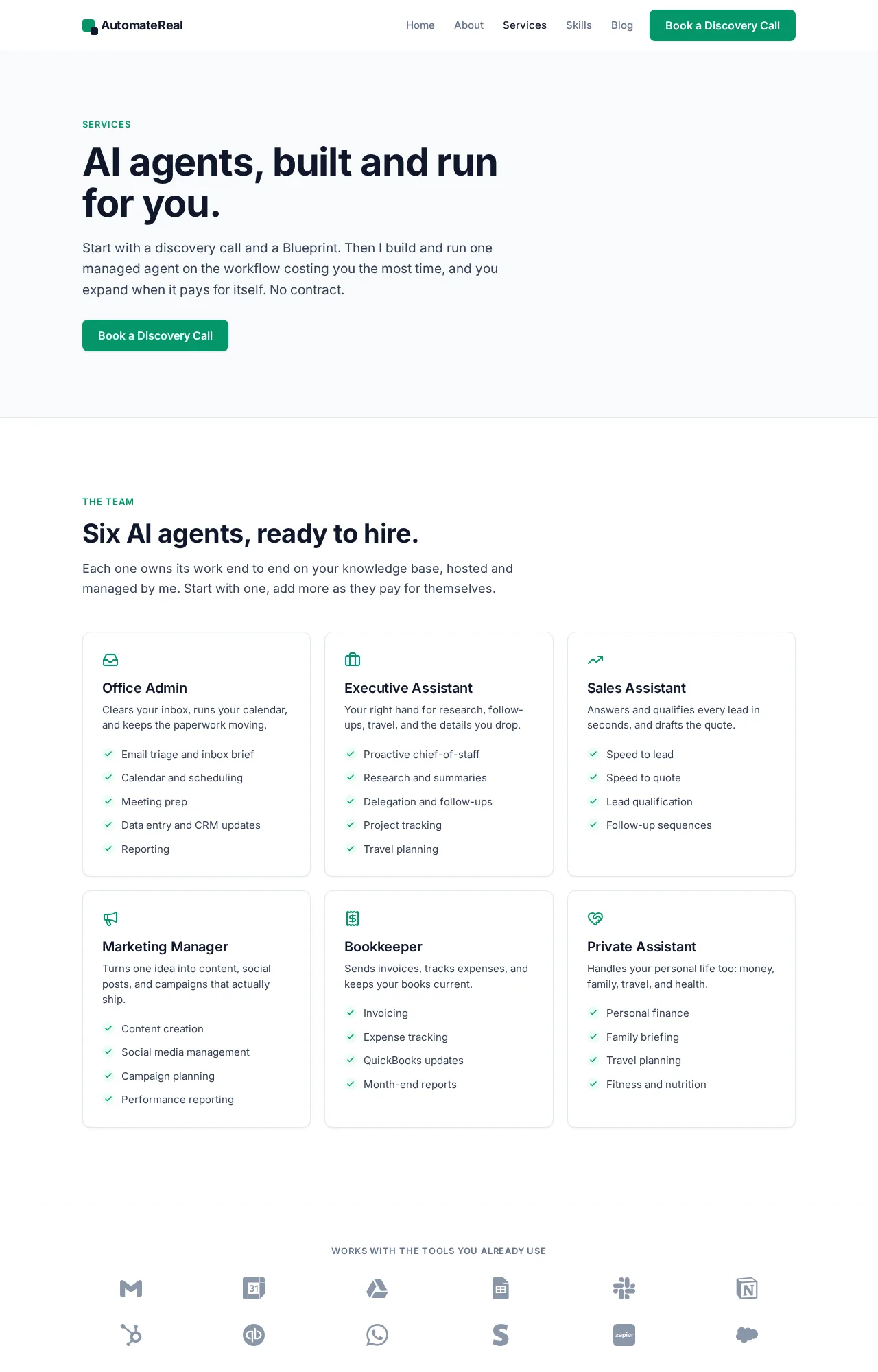 AutomateReal services
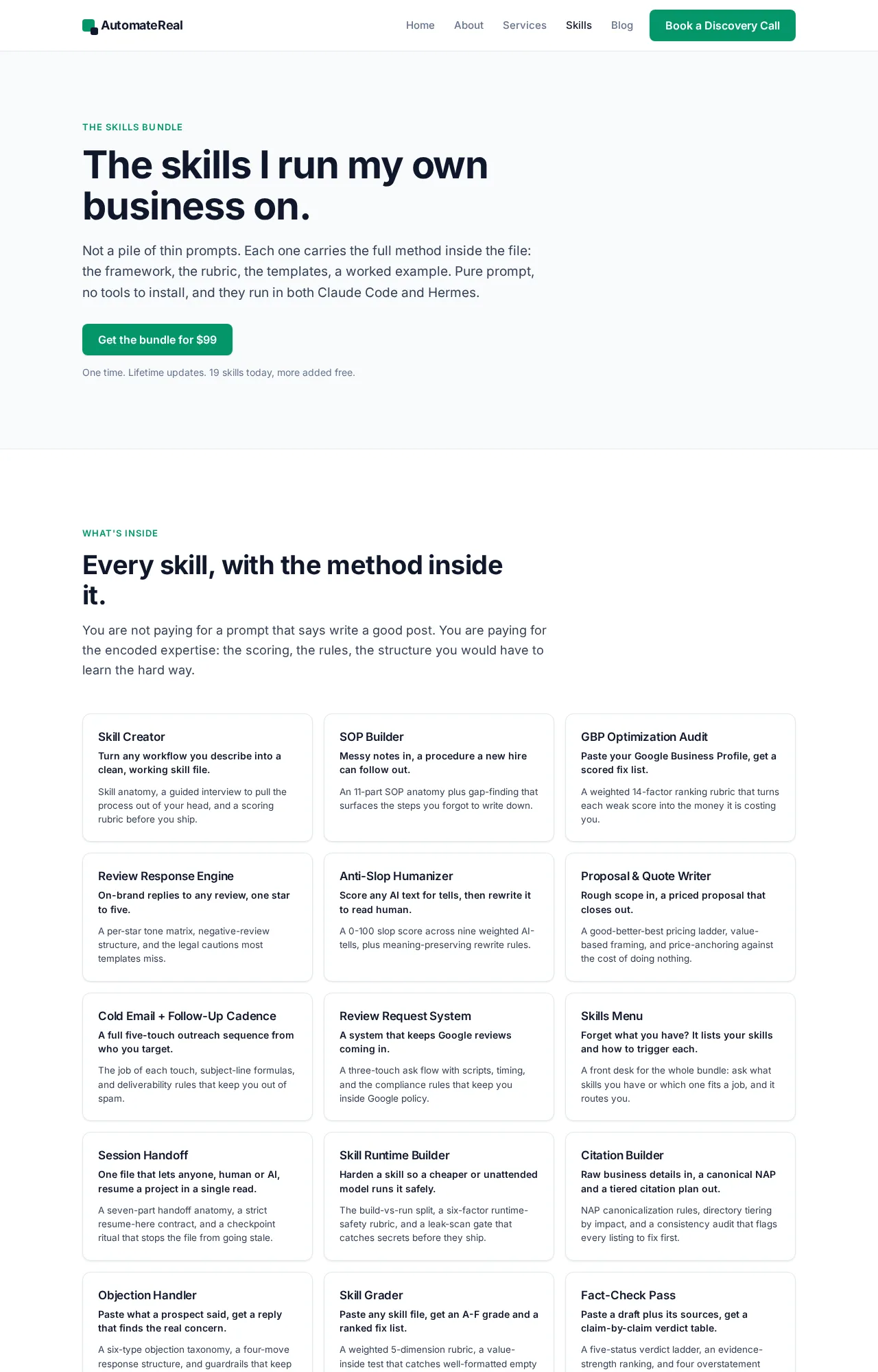 AutomateReal skills
Week one is about catching the duplicate record and the wrong scope before a customer sees them.
Is an AI phone agent legal and safe for a home services business?
Yes, with consent. An AI voice that sounds human falls under the TCPA. The FCC ruled in 2024 that these calls need prior express consent from the person being called, unless an emergency purpose or an exemption applies, per the FCC’s 2024 declaratory ruling on AI generated voices.
Consent comes down to what you collect at the point of contact. Put the consent line on your booking form and on your web form, and keep the record with the timestamp and the form it came from.
The rest is ordinary data hygiene:
- Store transcripts where you can retrieve them, and limit who reads them.
- Set a price ceiling so the agent never quotes above it.
- Keep a human approval step on anything unusual.
- Review one transcript a week for the first month.
Write consent into the booking flow and keep the record. That single step covers the risk owners ask about first.
Related: AI agents for marketing agencies
Related: custom AI agents for real estate
Related: How to Build an AI Agent
FAQ
Can you set up AI agents for free?
Some tools start free. Retell is free to sign up for, with pay-as-you-go usage after that, and field service software bundles basic AI features into the plan you already pay for. Free covers the tool, not the setup or the upkeep, which is where the real time goes.
Which task should I automate first: phone answering, routing, or billing?
Automate the one that leaks money today, and for most trades that is the first reply to a lead. A call you do not pick up becomes a call to a competitor, and almost nobody leaves a voicemail. Routing and billing come after the missed call stops.
How do AI agents connect to the tools a shop already runs, like Jobber or ServiceTitan?
Two ways. Either the AI ships inside that platform, or an automation service moves data between the platform and a standalone agent through the vendor’s API.
Will an AI agent replace my office staff?
No. It closes the after-hours gaps and the repeat questions. Your office staff move to the calls that need judgment, and the pile of unanswered leads gets smaller.
Does an AI phone agent sound robotic to my customers?
Modern voice models sound close to human, and most callers care more about being answered than about who answered. Ask a vendor for a recording before you judge.
Which AI is best for home improvement?
The one already inside the software you run jobs on, because it is closest to how you work. For a contractor that means scheduling, quoting, and follow-up, not a general chatbot. Match the job first, then pick the vendor.
If you want help finding that first workflow, a free discovery call maps it in about thirty minutes. You walk away with a plan either way.